
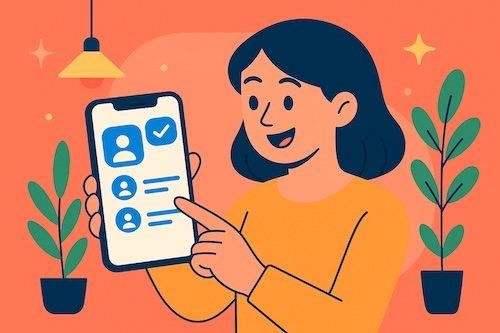
Have you ever gone to call a friend and found three different versions of their name in your contacts list? One has their email, another just their old work number, and the third has the mobile number you actually need. It can feel like searching for the right house key on a ring full of duplicates. The good news is, Apple gave us a very simple way to clean things up.
Why Duplicate Contacts Happen
Duplicate contacts are usually the result of syncing with multiple accounts (like Gmail, Outlook, and iCloud), importing old phone backups, or simply entering someone twice over the years. The mess builds quietly until one day you notice your “simple” contact list looks like a filing cabinet in need of spring cleaning.
How to Merge Duplicate Contacts on iPhone
Apple introduced an easy tool to find and merge duplicates right inside the Contacts app. Here is how it works:
- Open the Contacts app on your iPhone.
- At the top, you may see a notice that says Duplicates Found.
- Tap View Duplicates to see a list of names that appear more than once.
- Choose Merge to combine them into a single, clean entry.
- If you prefer, you can review each duplicate pair one by one before confirming.
That is it. No special app, no exporting to your computer, no stress.
A Real-Life Example
Martha, one of my readers, told me she had six versions of her son’s contact card. Each time he changed his email in college, she added a new entry instead of updating the old one. She admitted that when she went to call him, she sometimes chose the wrong one and left a message on a long-abandoned number. After following the steps above, she had one neat contact card with all the right details. “It feels like I finally cleaned out a messy drawer,” she laughed.
Key Takeaways
- Duplicate contacts usually come from syncing across accounts or re-adding people.
- Your iPhone can now spot duplicates automatically and suggest merging them.
- With just a few taps, your contact list can be tidy and reliable again.
If this helped, you’ll enjoy the step-by-step guidance in Learning iPhone for Absolute Beginners – iOS 26 – 2026 edition, available in eBook and print on Amazon. It is filled with practical tips like this, designed for those who want a calmer, clearer experience with their iPhone.