
Have you ever tried to send a batch of photos from your iPhone, only to get that dreaded “too large to send” message? Or worse, you email them, and the pictures arrive tiny and blurry? Sharing family memories should feel easier! This is where iCloud Photo Sharing can make your life easier.
What Is iCloud Photo Sharing?
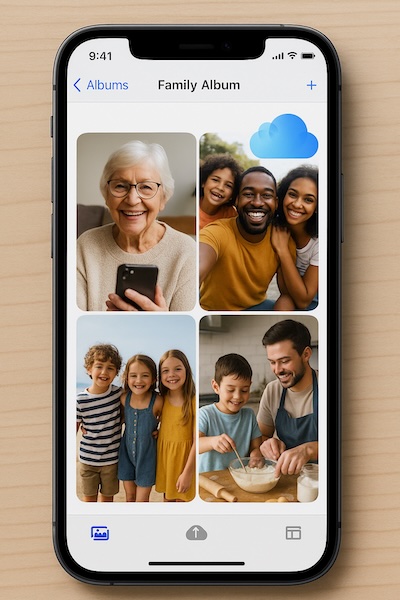
iCloud Photo Sharing is like a digital family album. Instead of sending photos one by one, you create a shared album that your loved ones can view anytime. They don’t have to wait for email attachments or worry about file sizes. As long as they have an Apple device or even just a web link, they can see your photos in their full quality.
How to Share Photos with iCloud
Here’s a simple way to get started:
- Open Photos on your iPhone.
- in iOS 18 tap Albums, then select the plus sign (+) to create a new album.
In iOS 26, select the pictures then tap … and select Add to Album. - in iOS 18 choose New Shared Album and give it a name (like “Summer Vacation 2025”).
In iOS 26 go to Collections, tap on the Album, tap … and then Share - Invite family by entering their Apple ID email addresses.
- Add your photos, and they’ll be notified automatically.
Now, whenever you add new pictures, your family will see them instantly. They can even add their own photos or comments if you allow it.
A Real-Life Example
Margaret, used to struggle with texting photos of her grandchildren’s school plays. Some would go through, others would fail, and her daughter often asked for “the originals” because the quality was too low. Once Margaret discovered iCloud Photo Sharing, she simply created an album called “Grandkids’ Adventures” and invited her children. Now, the whole family sees every new picture as soon as she uploads it, and Margaret feels relieved knowing she isn’t “messing it up.”
Why Use iCloud Photo Sharing?
- No more limits on file size
- Everyone stays updated without repeated texts
- Photos look their best because they stay high quality
- One place to gather memories, even across households
Key Takeaway
If sending photos has ever left you frustrated, iCloud Photo Sharing is your stress-free solution. It keeps your memories organized, your photos looking beautiful, and your family connected.
If this helped, you’ll love what’s inside Learning iPhone for Absolute Beginners – iOS 26 – 2026 edition. It’s a friendly guide that walks you through photos, apps, settings, and more—step by step, at your pace.