
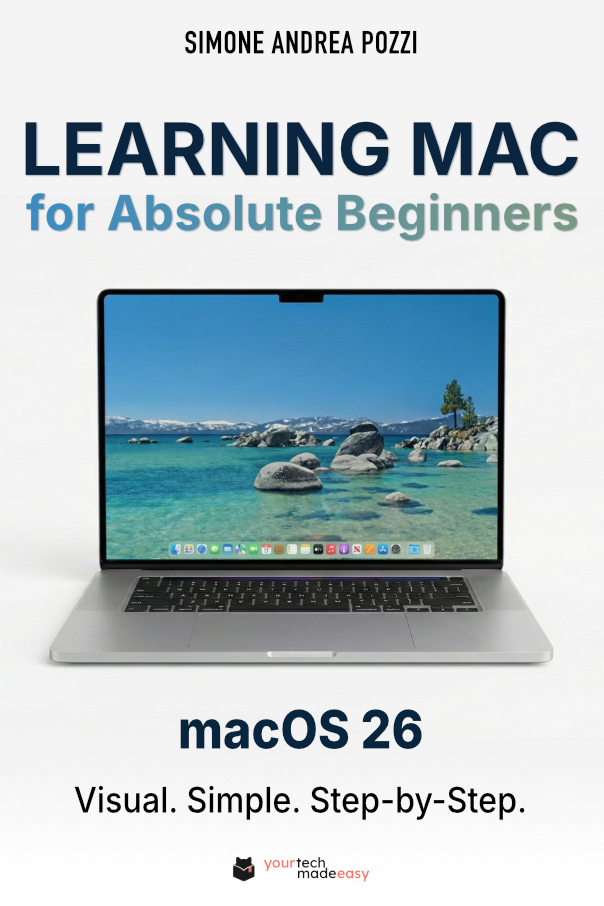
Big news: the new edition of my book, Learning Mac for Absolute Beginners – macOS 26 – 2026 edition, is now available.
If you’ve ever unboxed a Mac and felt that mix of excitement and uncertainty, this book was written for you. And now, with macOS 26 (codename Tahoe), things have changed again. New features, smarter tools, and a few new buttons mean it’s the perfect moment for a clear, updated guide.
Why a New Edition?
Apple’s macOS 26 introduces helpful upgrades like a “Liquid Glass” design with increased transparency and translucency, enhanced Spotlight search with on-screen actions, more powerful Shortcuts powered by Apple Intelligence, ersonalized folder colors and symbols. These are wonderful tools, but only if someone explains them in plain English.
That’s exactly why I refreshed the book. Every chapter has been updated so that what you see on your screen matches what you read on the page. No jargon, no assumptions—just calm, step-by-step guidance.
What You’ll Find Inside
- Step-by-step setup for your new or updated Mac
- Tour of the macOS 26 desktop so you always know where things are
- Confidence with everyday tasks like email, browsing, and photos
- New Apple Intelligence features explained in simple, practical ways
- Troubleshooting tips to keep your Mac running smoothly
A Few Final Words
macOS 26 makes the Mac friendlier than ever, but that doesn’t mean it’s always obvious. With the new edition of Learning Mac for Absolute Beginners, you’ll have a patient companion beside you, ready to answer the questions you were too shy to ask.
If you’ve been waiting for the right time to finally feel at home on your Mac, this is it.
You can find Learning Mac for Absolute Beginners – macOS 26 – 2026 edition in eBook and print on Amazon.