
Getting to Know the Dock: Your Mac’s Control Center
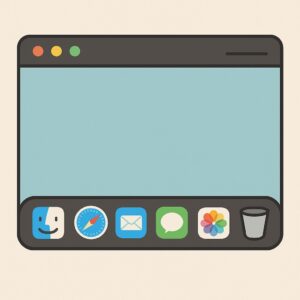
“What Are All These Little Icons at the Bottom of My Screen?” If you’re new to the Mac, one of the first things you’ll notice is that row of icons sitting quietly at the bottom (or side) of your screen. Some of them bounce. Others glow. A few just sit there looking mysterious. That, dear reader, is … Read more


The Easiest Way to Set Up a Mac: Step-by-Step for 2025

“I just want it to work like it’s supposed to.” That’s what Joan, a 72-year-old retired teacher from Ohio, told me the day she brought home her first Mac.It was still in the box. Her nephew had insisted a MacBook would make life easier. But Joan was skeptical. She wasn’t afraid of technology—she just didn’t … Read more

How to Type “@” Symbol on Mac (Even If You Can’t Find It)

If you’re new to Mac and wondering how to type at Symbol (@) on Mac, you’re not alone. The @ symbol is essential for email addresses, social media, and usernames—but depending on your keyboard layout, it may not be where you expect. Don’t worry! Whether you’re using a US, UK, Swiss, German, French or Italian … Read more