Back to guides
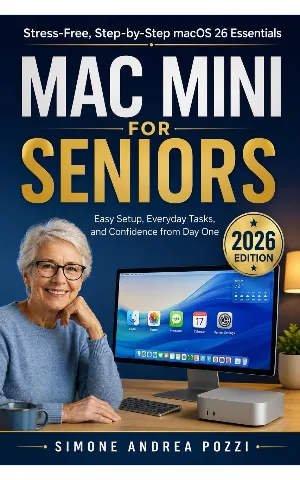
Mac mini · macOS 26
Mac Mini for Seniors — macOS 26
★★★★★NewPreorder
Mac Mini for Seniors — Stress-Free, Step-by-Step macOS 26 Essentials
Confidently set up and use a Mac mini for everyday tasks — email, browsing, files, video calls, and basic security — without ever feeling overwhelmed.
Choose where to read
Read a free sample first. Every store lets you preview the book before you buy. Look for "Read Sample" on Amazon, or "Free Sample" on Apple Books.

What you'll learn
- Feeling intimidated by setting up and using a computer for the first time
- Not knowing how to perform everyday tasks like sending emails, browsing the web, or organising files
- Fear of making mistakes, losing files, or encountering security threats
- Builds confidence with technology through plain-English guidance
- Improves communication with family via email and video calls
Written for non-technical adults
Common questions